CRM
The CRM is where you run your sales pipeline — track leads, advance opportunities, log contacts, and review activity history. It’s the most-used surface in Partner.
Dashboard
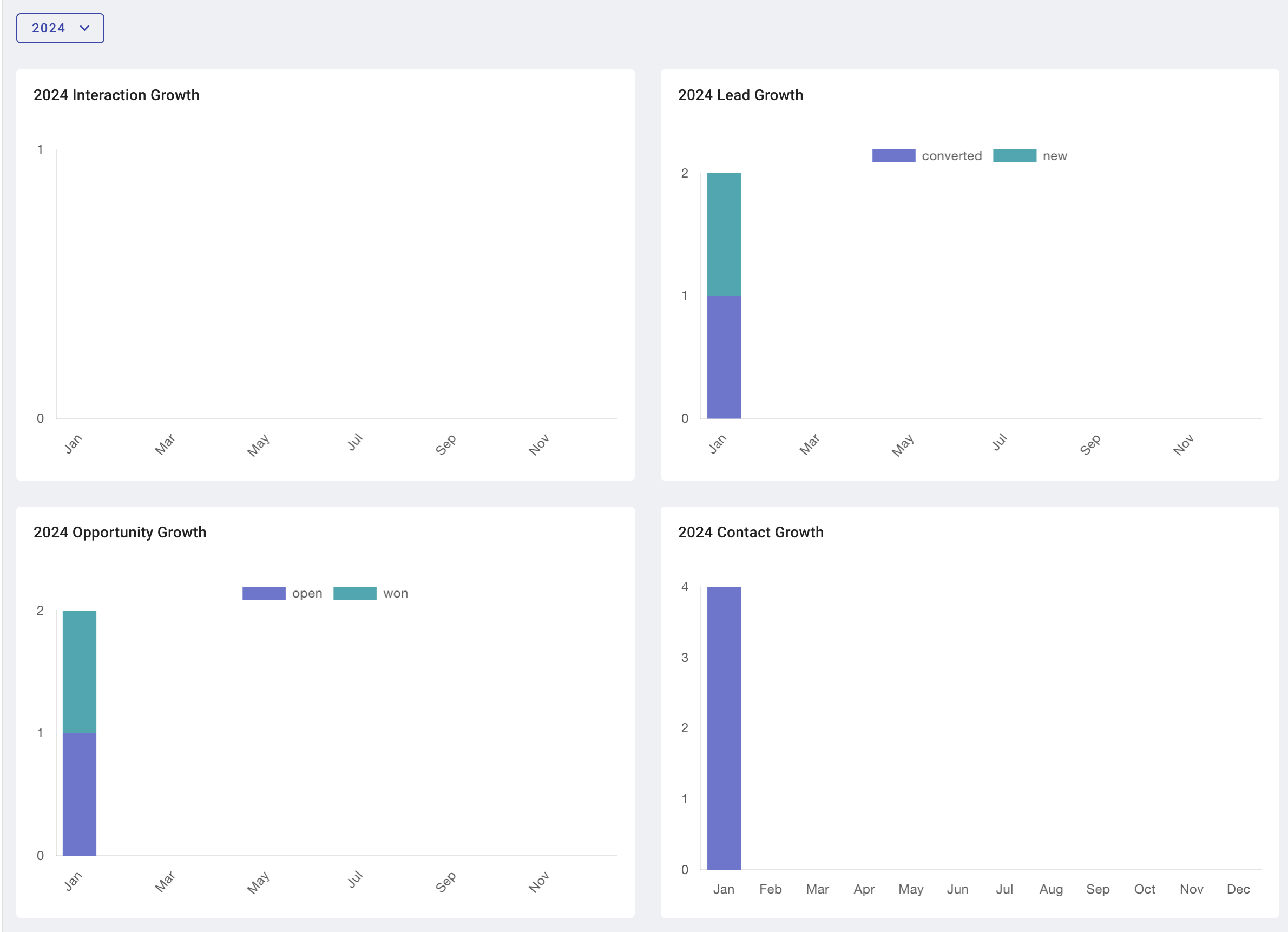
The Dashboard gives you a quick read on activity across the pipeline: lead and opportunity growth, interactions logged, and contact additions over time.
Activities
Activities is the action hub for working Leads and Opportunities.
Leads
A lead is a potential customer or contact who has expressed interest but hasn’t yet advanced into a deal you’re actively closing.
| Status | Meaning |
|---|---|
New | Identified, not yet contacted or qualified |
Contacted | Reached out to; gathering more information |
Qualified | Meets your criteria for further pursuit |
Unqualified | Doesn’t meet criteria; not pursuing |
Converted | Advanced into an opportunity or signed customer |
Dead | No longer viable or responsive |
Opportunities
An opportunity is a qualified lead you’re actively trying to close — a real deal in motion.
| Status | Meaning |
|---|---|
Open | Actively being pursued |
Won | Closed successfully (signed) |
Lost | Did not close |
Interactions
An interaction is any logged engagement with a lead or opportunity — calls, emails, meetings, on-site visits. Logging interactions builds the relationship history each opportunity needs.
Contacts
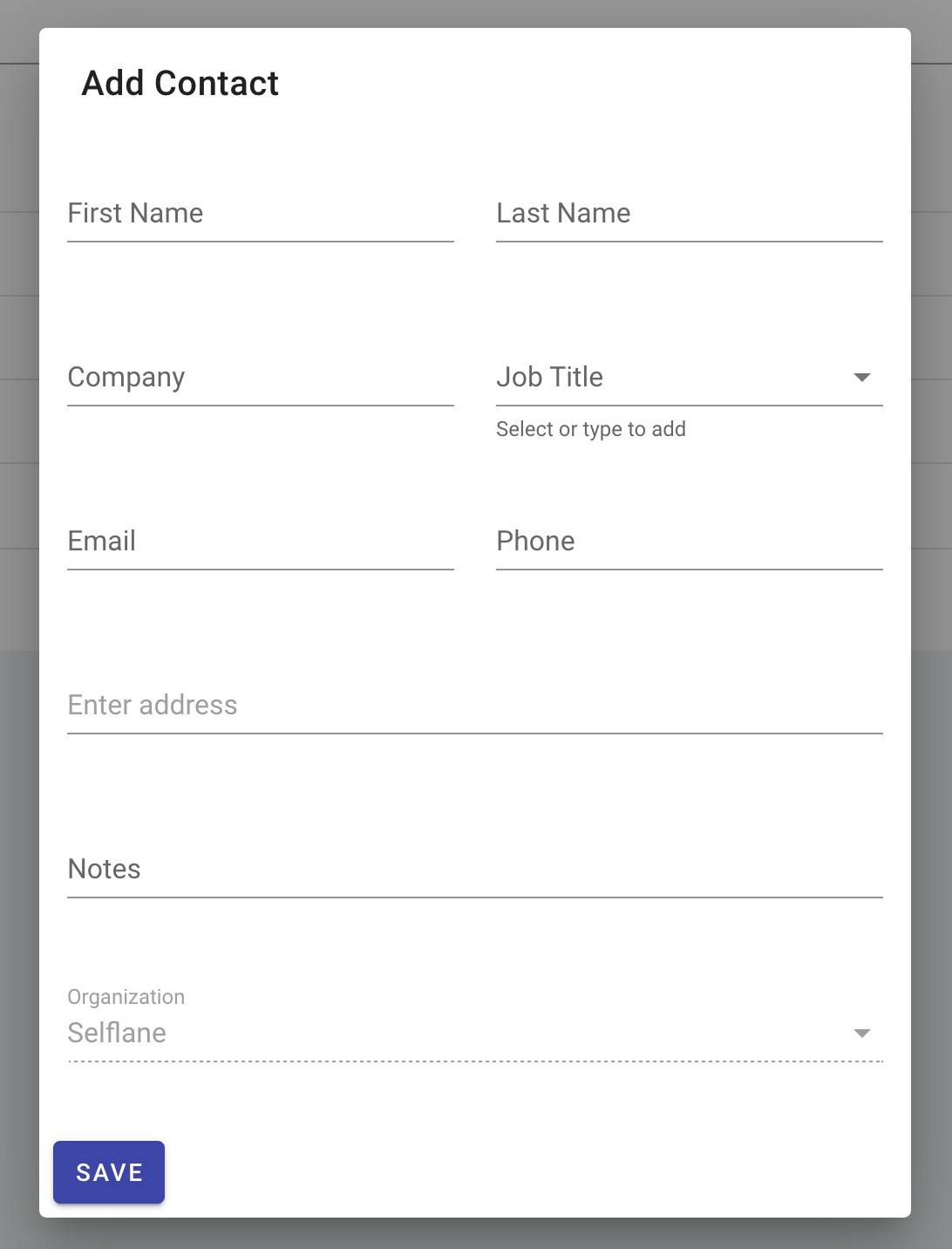
A contact is a person attached to a restaurant — typically the owner, manager, or decision-maker. Contacts can be linked to leads or opportunities, and the same contact can persist across multiple deals over time.
Service Logs
Service Logs is your org’s record of recent service activity — calls, on-site visits, account check-ins. Use it to look up the last time someone touched a specific restaurant before reaching out.
Histories
Editing Histories captures edits made to contacts and other CRM records. It exists as an audit trail: if a record is changed or deleted, you can see who did it and when.