Hardware
Choose compatible hardware to take orders, accept payments, and print tickets with Selflane POS.
iPads and iPhones
Selflane POS requires iOS 16 or iPadOS 16 or later. It runs on iPad and iPhone.
Choose an iPad that supports iPadOS 16:
- iPad (5th generation) or later.
- iPad mini (5th generation) or later.
- iPad Air (3rd generation) or later.
- Any iPad Pro.
Screen size does not affect compatibility. Selflane POS runs in landscape and full screen on iPad. iPad Air 2 and iPad mini 4 cannot install the app.
On iPhone, use an iPhone 8 or later, which supports iOS 16. The app runs in portrait on iPhone.
Set up Guided Access on the iPad to keep staff from accidentally closing the app. Follow Apple’s instructions: Use Guided Access with iPad
Printers
Our support includes printing for the front desk, label printing, and up to four kitchen stations. One printer can be assigned for multiple purposes.
Credit Card Machine
Selflane supports the following card readers. Set up the reader your restaurant uses before taking payments.
| Reader | Setup |
|---|---|
| PAX credit card machine | Uses semi-integration with the POS. The PAX A35 is recommended. |
| MagTek reader | Uses the payment processing credentials your processor provides. |
| Stripe reader | Set up the reader for its location, then pair it in POS Payment Settings. |
PAX credit card machines
PAX terminals use semi-integration with the POS. Ask your processor to use the communication settings below.
Communication setup
Please make sure the setting matching the following picture exactly.

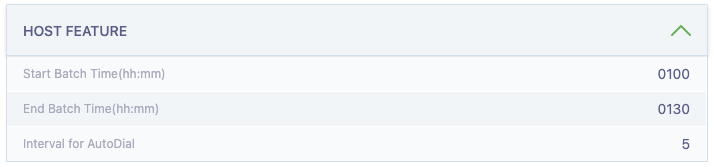
Auto batch setup
Do this if you want the PAX to auto batch every night. Otherwise, you can always do manual batch from POS everyday after closing.
Contactless payment
Enable this for contactless payments.

MagTek readers
Use a MagTek reader with the payment processing credentials your processor provides. Managers can save and review these credentials in MagTek Payments.
Stripe readers
Set up your Stripe reader for its location, then pair it in Payment Settings. See Stripe Terminal for reader setup and Stripe reader troubleshooting if pairing fails.
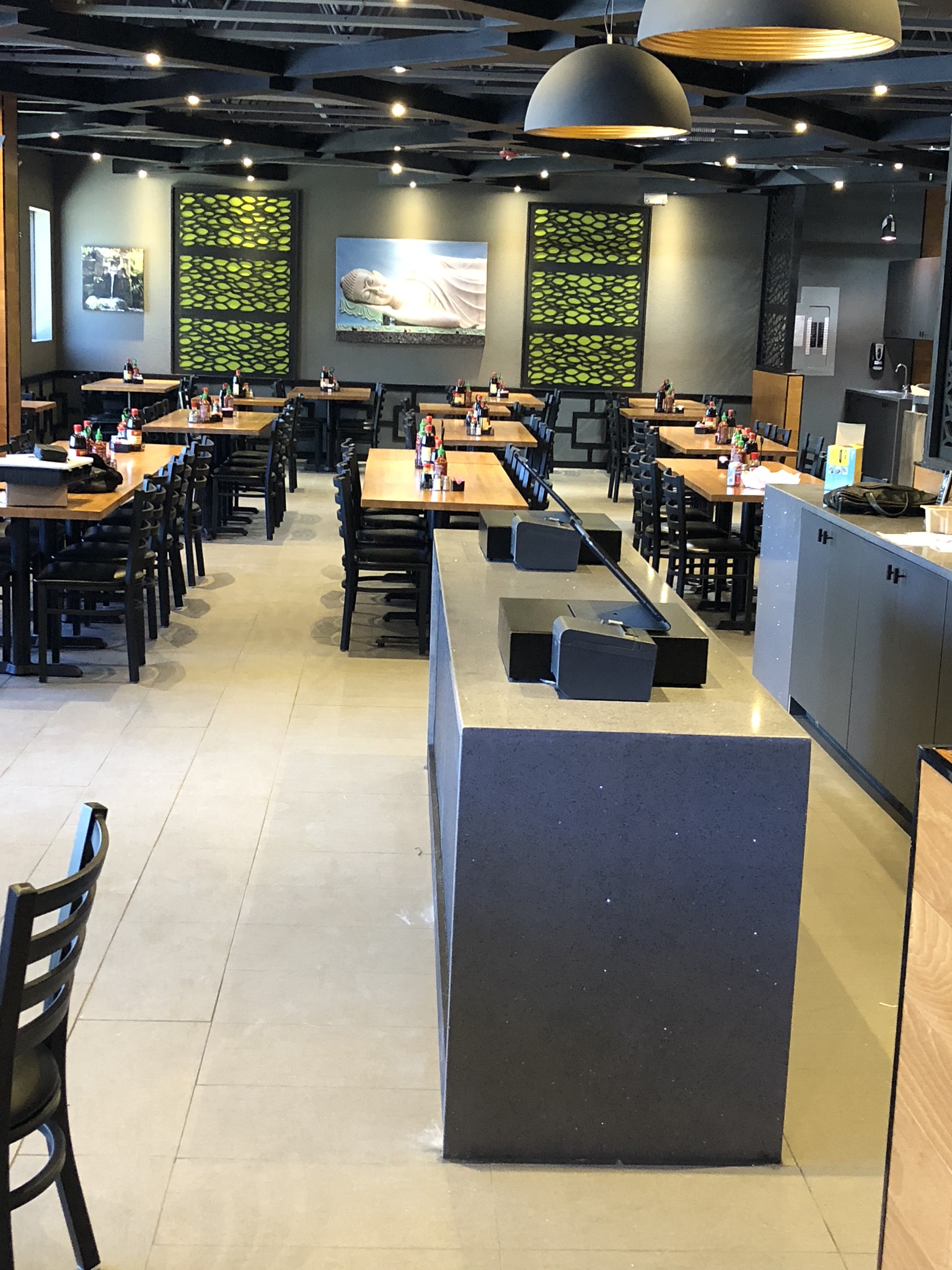
Example Setup
Here is an example setup you can see at Basil Leaf in Albuquerque, NM.
How to Purchase
iPads and iPhones are universal and standard. You can purchase them from us or any vendors.
Printers are standard and available from various vendors, yet they are crucial for your business’s operation. If you are uncertain about finding reliable sources, we highly recommend purchasing them directly from us.
Credit card machines are typically tied to merchant services and require preconfiguration. If you need assistance with Merchant Services, please contact us.