Settings
Enterprise-wide configuration for your portfolio. Per-business settings are still managed under each business’s own Back Office.
Logo
Click Edit in the Logo card to upload your enterprise logo. The image is shown on the enterprise dashboard and on documents that span the portfolio.
Profile
Click Edit in the Profile card to update the enterprise address.
To rename the enterprise itself, contact Selflane support — the name is locked because it appears on legal and billing records.
Access Reference
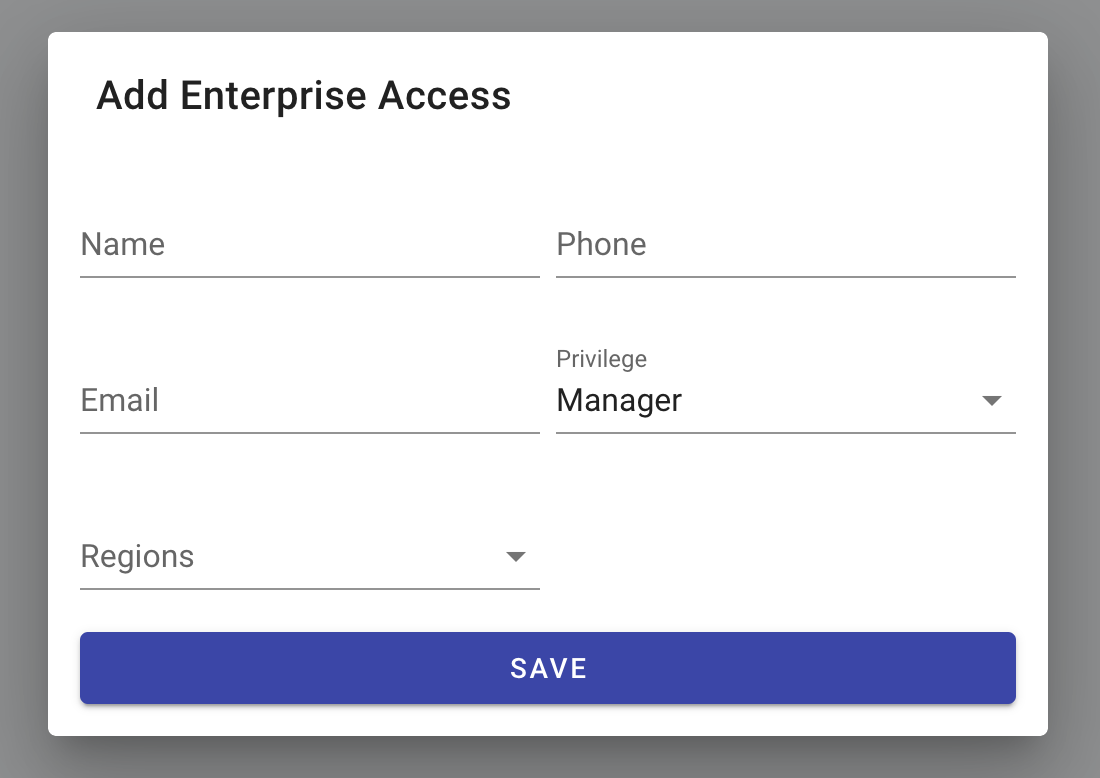
This card is a read-only reminder of the two enterprise-level roles:
- Owner — full access to every included business and to the Enterprise admin section.
- Manager — non-admin functions, scoped to assigned regions.
Add and edit users from Users & Access.
Related
- Users & Access — add Owners and Managers.
- Regions — define the regions a Manager can be scoped to.
Last updated on