Tap to Pay on iPhone
Tap to Pay on iPhone turns a recent iPhone into a contactless card reader for the Selflane POS. No Bluetooth reader, no countertop terminal — the customer taps their card or phone against the iPhone’s NFC area.
iPad is not supported. iPads do not expose NFC for this use case.
Prerequisites
Device
- iPhone XS or later.
- iOS 16 minimum; iOS 18 or later recommended.
- Selflane POS version 6.80 or later, installed on the iPhone.
Payment Processor
- A completed Stripe Account.
- A Location created on your Stripe account.
Enable Tap to Pay
- Open the Selflane POS app on the iPhone.
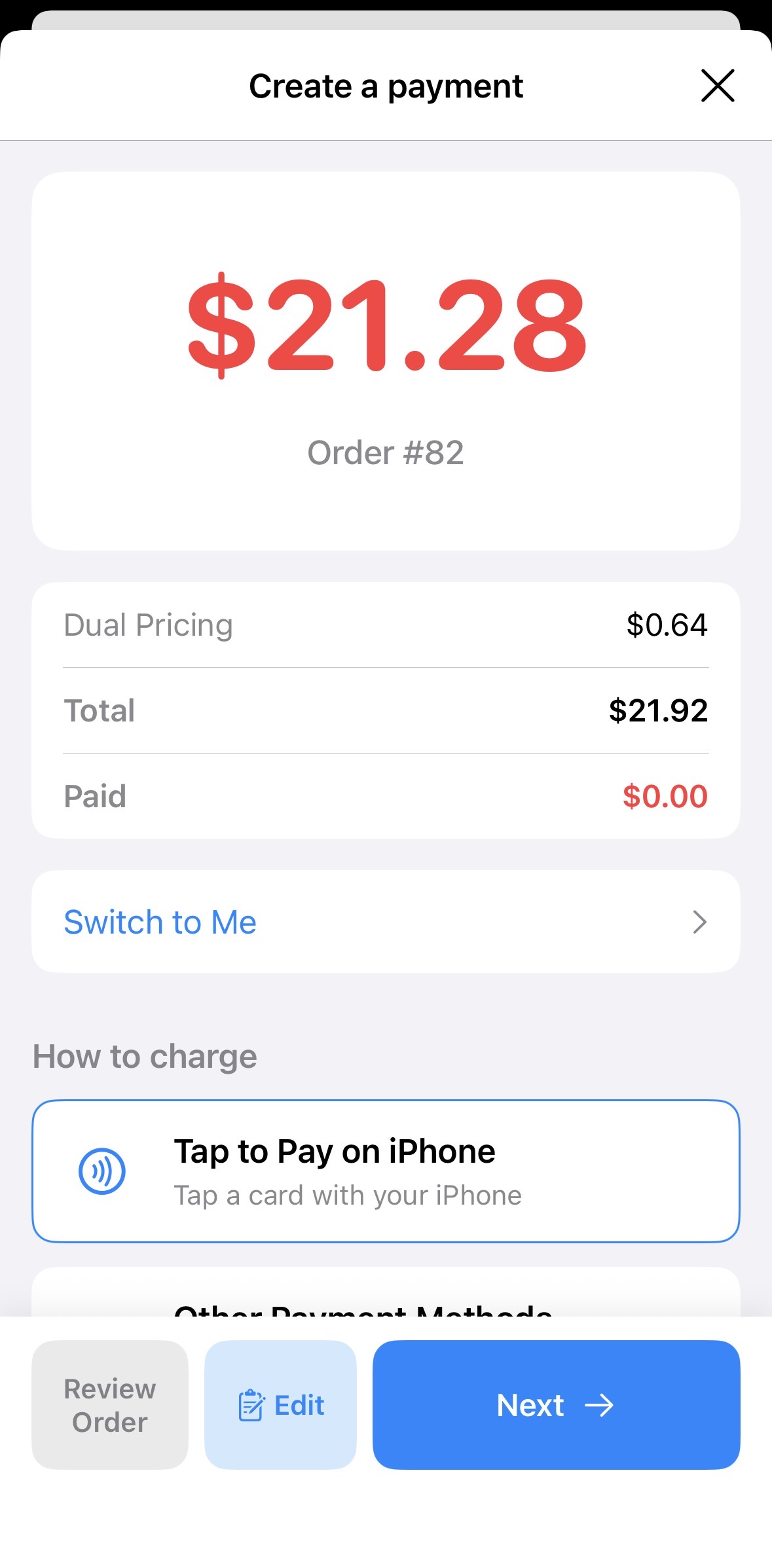
- Open an order and tap
Pay. - Tap
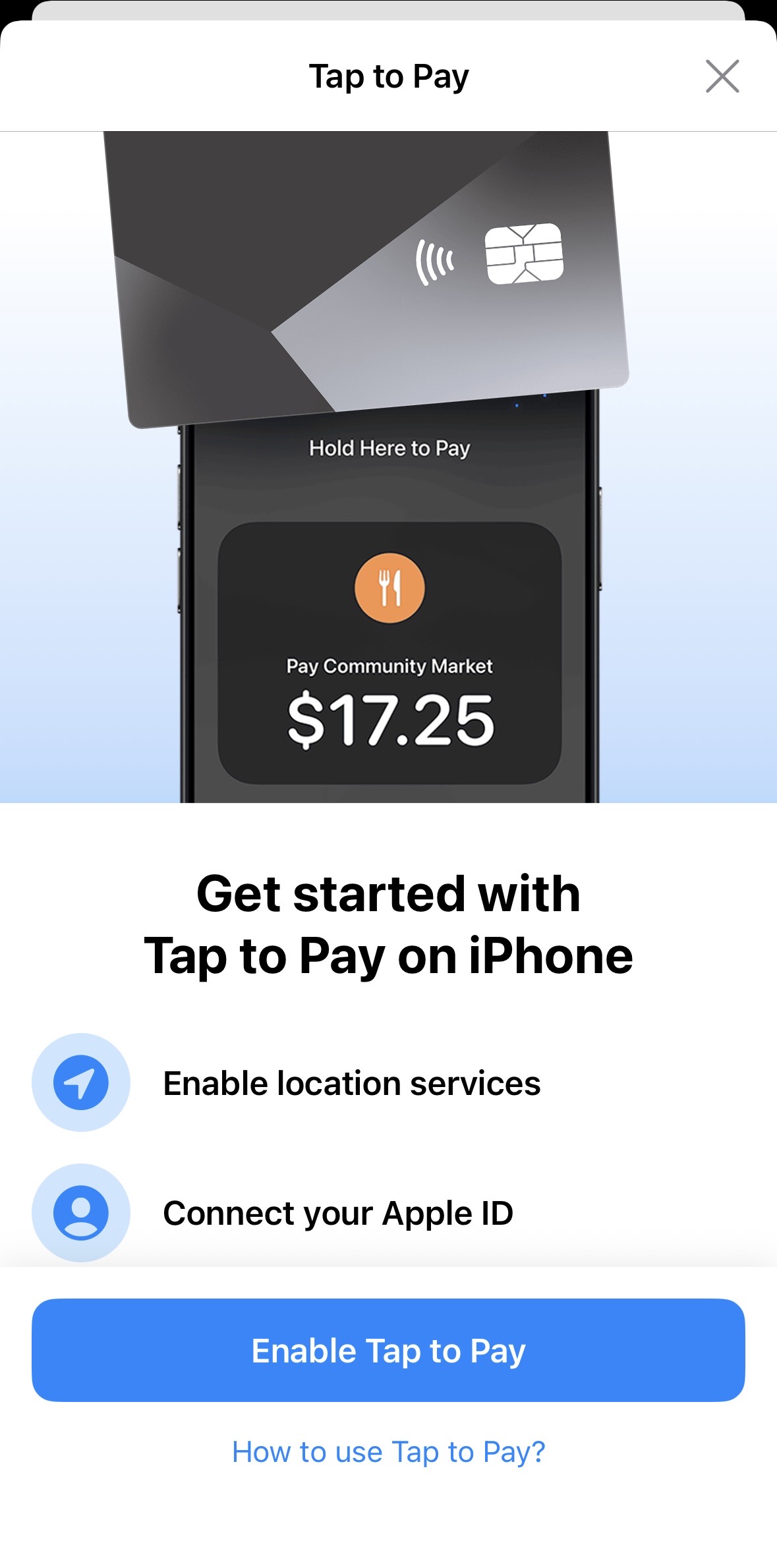
Tap to Pay on iPhone. - Follow the on-device prompts to sign in with the Apple ID associated with your business and accept the Tap to Pay terms.
The prompts appear once per device. Subsequent payments skip the setup.
Accept a Payment
- Build the order in POS as usual.
- Tap
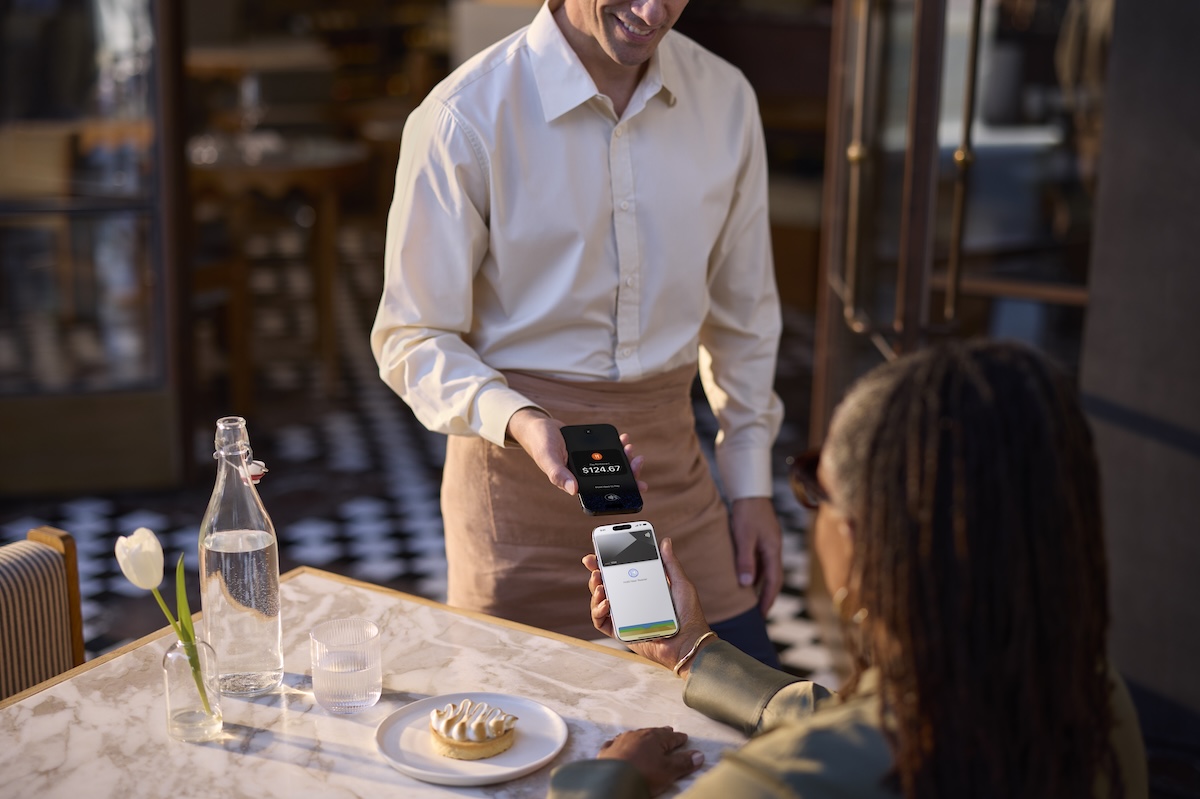
Payand chooseTap to Pay on iPhone. - When prompted, hold the customer’s contactless card or phone over the top of the iPhone’s NFC area.
- Wait for the green check mark before handing the iPhone back.
What If…
- The reader prompt doesn’t appear. Confirm the device is iPhone XS or later, on iOS 16+, with POS 6.80+. iPads will never show the option.
- Apple ID is wrong. Sign out of the Apple ID associated with the previous business in the iPhone’s Settings, then re-launch POS.
- A payment fails. Tap to Pay falls through to the standard payment screen — try a different reader or take the card manually.
Related
- Stripe Terminal — overview of all reader options including Bluetooth and Wi-Fi.
- Stripe Account — required first step.
Last updated on