Courses
Courses are the second tier of your menu structure.
Examples:
- Appetizers
- Salads
- Entrees
- Desserts
- Beverages
Key Fields
| Field | Purpose |
|---|---|
| Name | Course name |
| P&L Group | Optional reporting group for sales analysis |
| Description | Optional details |
| Run Out (86’d) | Temporarily disable course |
| In-store only | Hide from online ordering |
| Sync to Third Party | Publish to third-party channels (requires integration) |
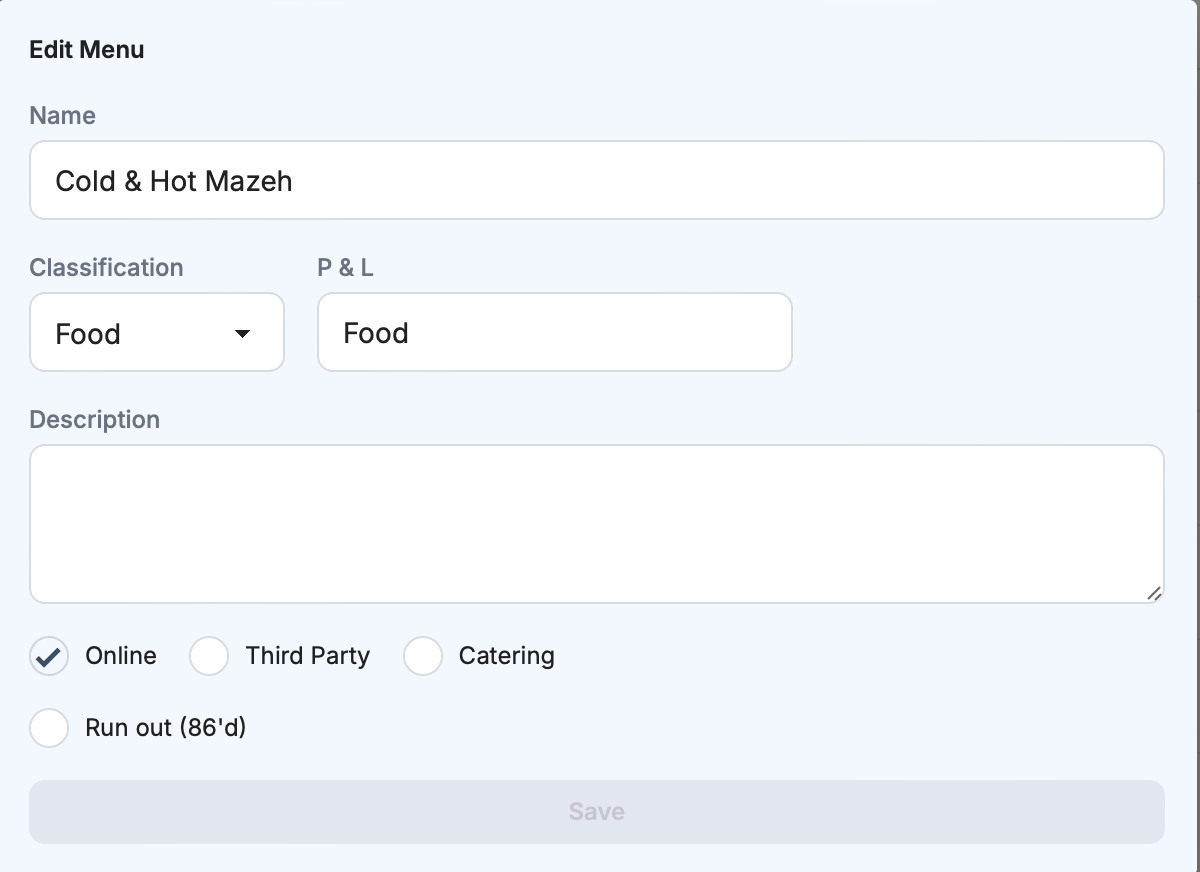
Creating a Course
- Click
+in the top-right area. - Enter course name.
- Optional: add P&L Group for reporting.
- Optional: add description.
- Set visibility and sync toggles as needed.
- Click
Save.
Sorting Courses
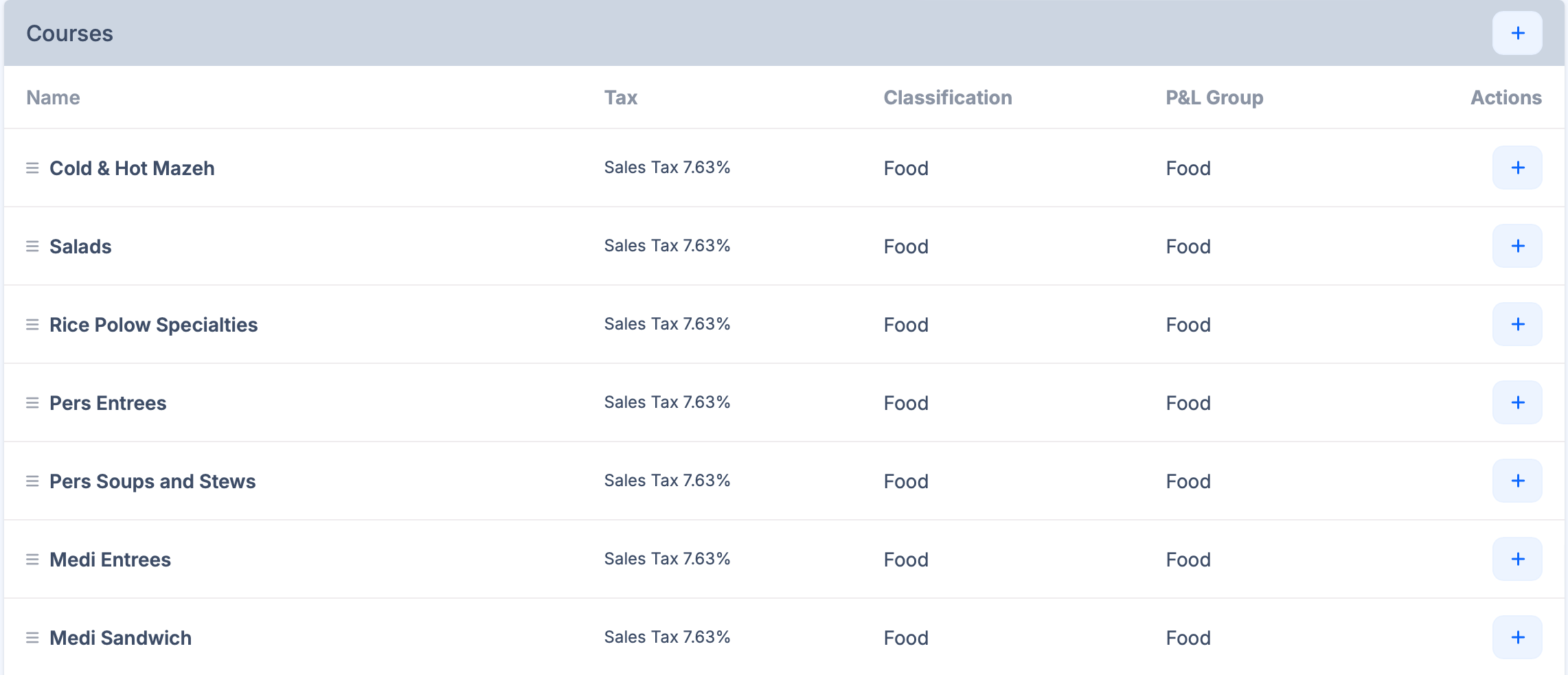
- Use drag-and-drop to reorder courses when alphabetical sort is disabled.
- Use status icons/toggles to control:
- online visibility
- third-party availability (if integrated)
- delete action
See also Menus for top-level organization.
Best Practices
- Keep course names consistent across menus.
- Use P&L Group only when needed for reporting segmentation.
- Avoid creating too many small courses that make POS navigation slower.
Last updated on