Matrix Modifiers
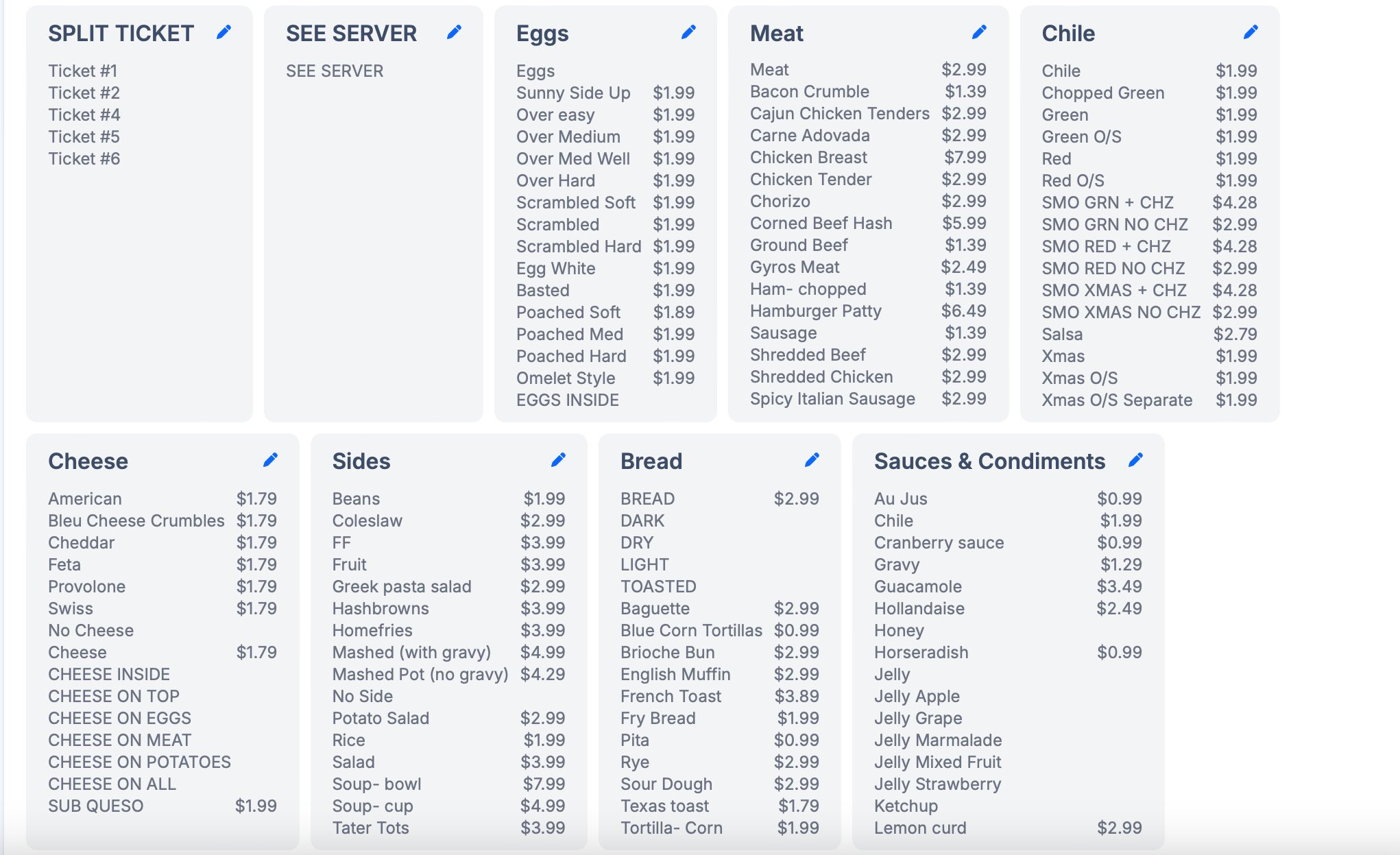
Matrix Modifiers help staff apply consistent modifier combinations quickly in POS.
Each matrix is built with two parts:
- Prefixes (for example
No,Add,Extra) - Suffix groups (for example proteins, sauces, toppings)
By default, these are staff-facing controls. Use the Visibility section to control where matrix modifiers apply.
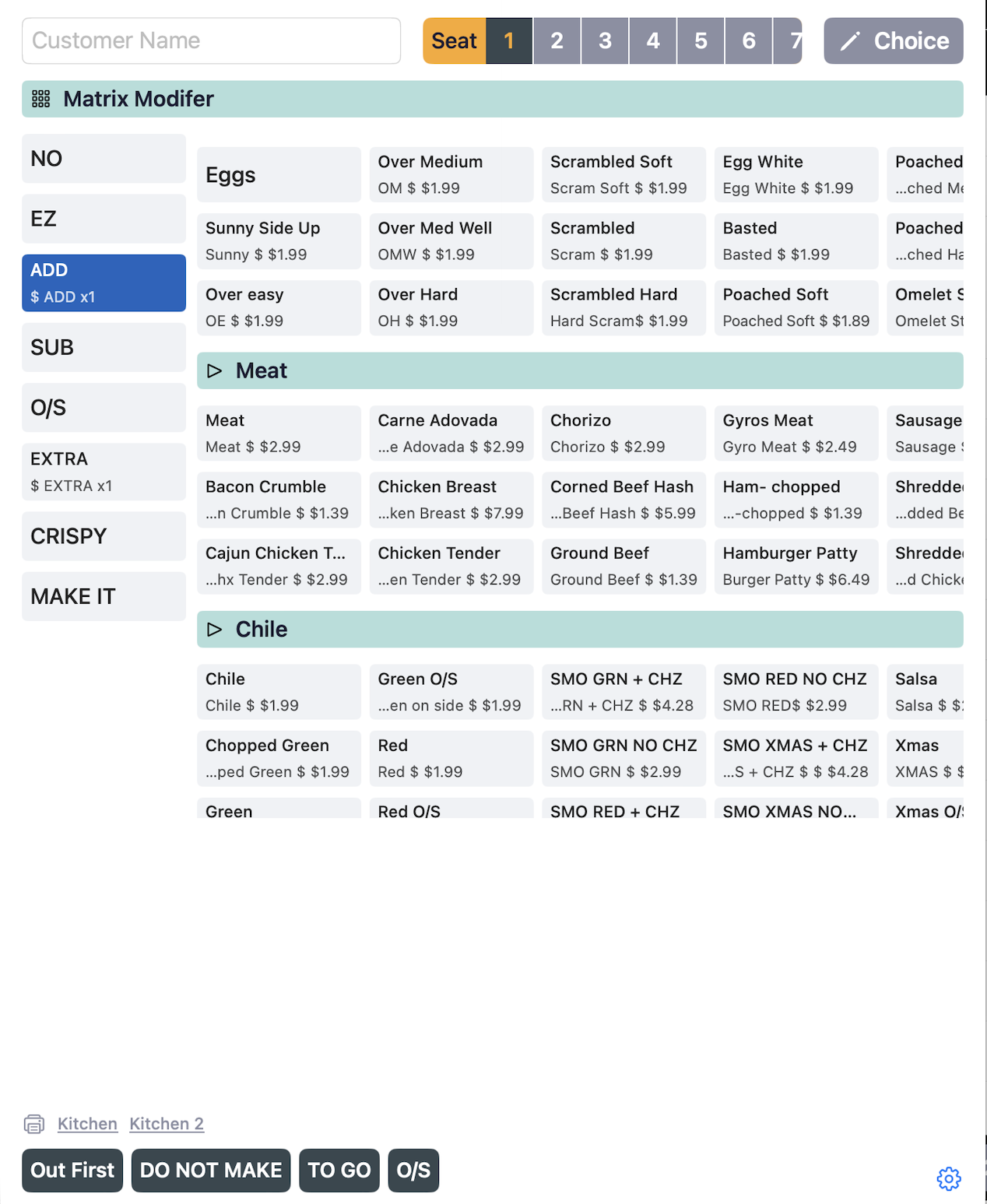
Prefixes
Use prefixes to define action and quantity behavior.
- Name: Label shown to staff.
- Kitchen Name: Optional short label for kitchen tickets.
- Factor: Multiplier for suffix price.
- Drag and drop to reorder display order.
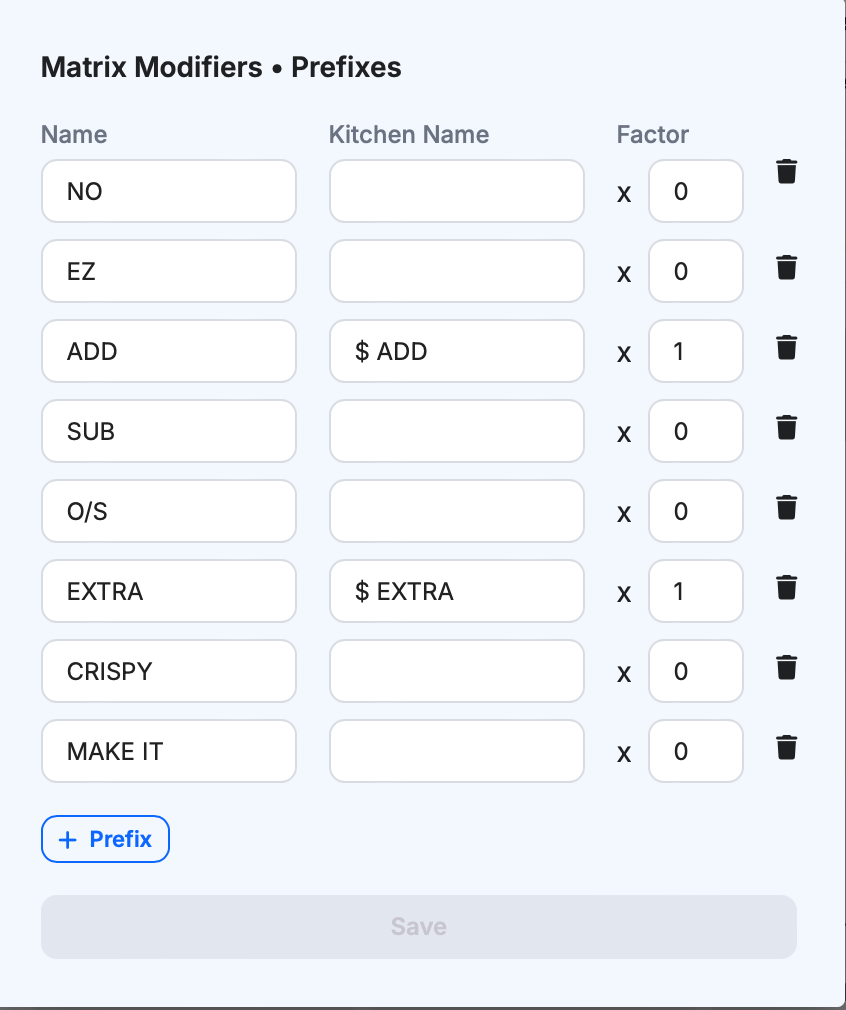
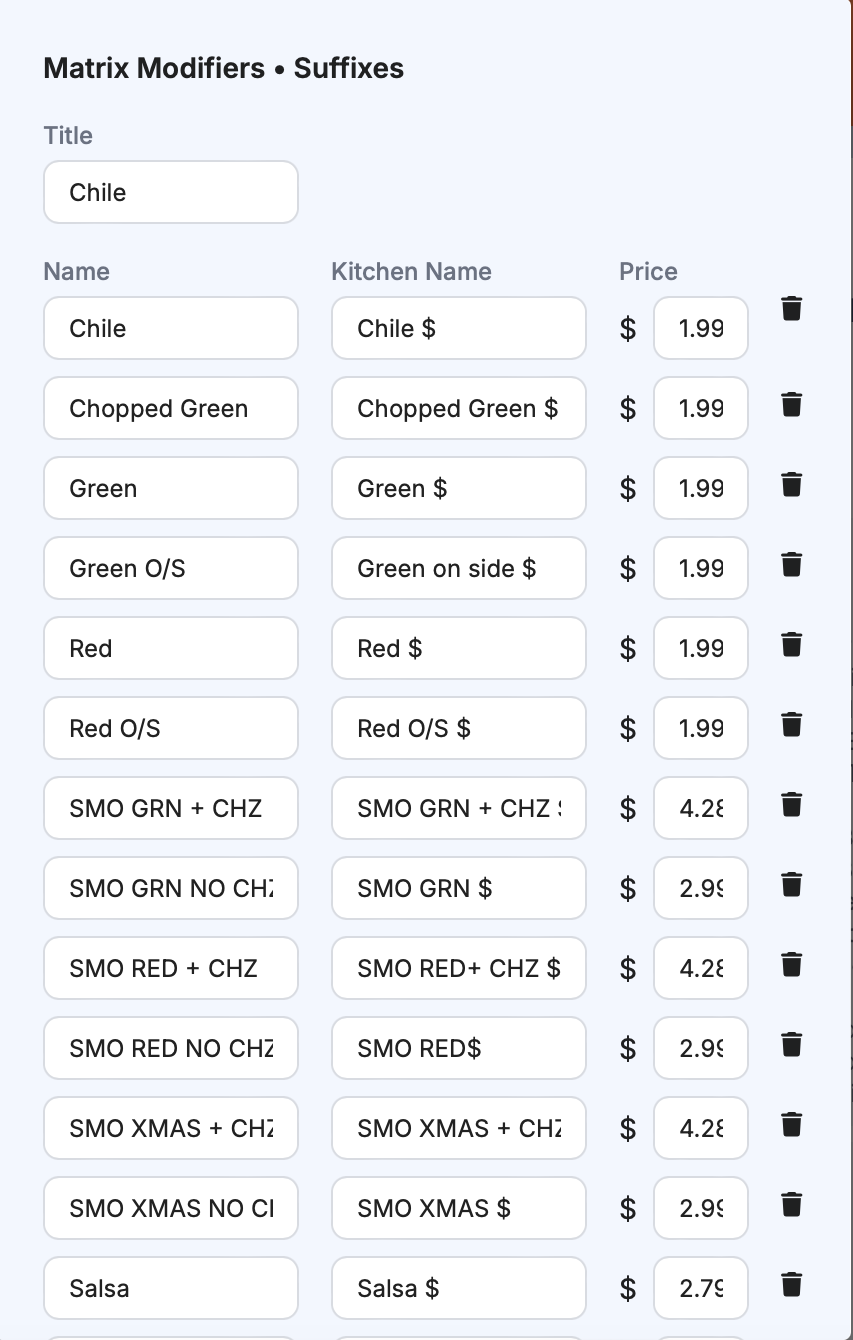
Suffix Groups
Use suffix groups to organize selectable items.
- Group title: Category name such as
ProteinorSauce. - Name: Suffix option shown in POS.
- Kitchen Name: Optional kitchen label.
- Price/Unit: Base price before prefix factor.
- Add, edit, delete, sort A-Z, and drag to reorder items.
- Add, edit, delete, and drag to reorder suffix groups.
Pricing Logic
Final modifier price is calculated from:
- Prefix
Factor - Suffix
Price/Unit
This lets you support size or quantity variations without duplicating many modifier sets.
Visibility
Use Visibility to control where matrix modifiers are applied.
- Courses: Include only selected courses.
- Exclude courses: Remove specific courses from matrix modifier usage.
- Exclude dishes: Remove specific dishes from matrix modifier usage.
These filters help you target matrix modifiers to relevant menu areas and avoid unnecessary choices on unrelated items.
Best Practices
- Keep names short and consistent for faster staff scanning.
- Use kitchen names only when kitchen wording should differ from POS wording.
- Test common order combinations after price or visibility changes.
Last updated on