Selflane Displays
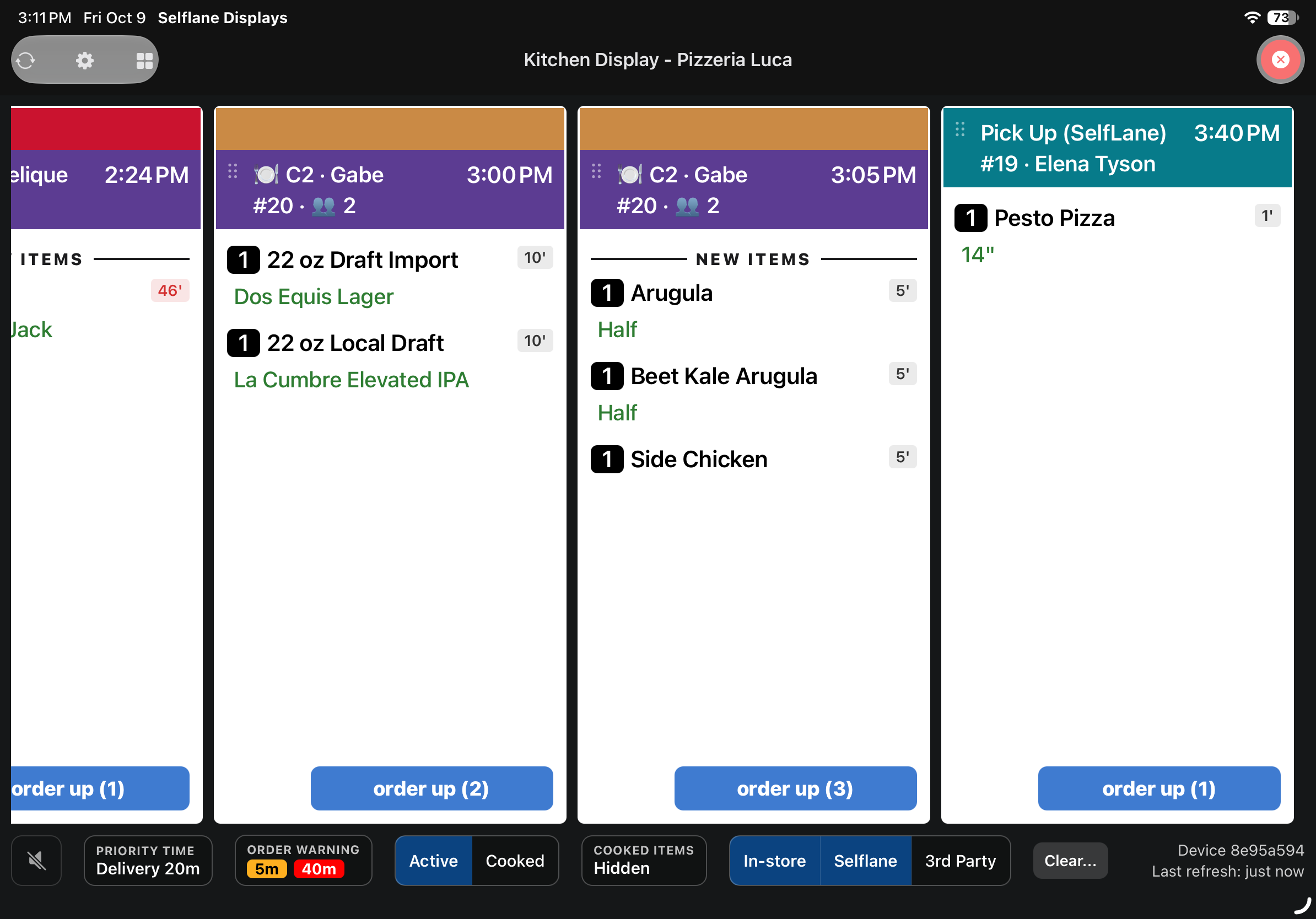
Selflane Displays is a standalone Kitchen Display System (KDS) app that replaces paper tickets with a real-time digital order grid. Kitchen staff can view incoming orders, filter by station or order source, and mark dishes as ready with simple tap interactions.
Who is it for?
- Line cooks — see dishes assigned to their station and mark items as ready
- Expeditors — monitor all stations, track elapsed time, and manage order flow
- Kitchen managers — configure display layout, filters, and station assignments
Platform availability
- iOS — available on the App Store
- Android — available for download at selflane.com/apps
Prerequisites
- An active Selflane subscription with KDS access
- Your business must be set up in the Back Office
- Kitchen printer targets and station numbers should be configured in your POS settings
Key features
- Real-time order grid with color-coded cards by order type (Dine In, Pick Up, Delivery, Drive-Thru, Curbside, and QR Code)
- Flexible layouts — vertical masonry grid or horizontal scrollable rows
- Station filtering — show only orders assigned to specific stations or print targets
- Channel filtering — filter by in-store, Selflane online, or third-party orders
- Elapsed time tracking — see how long each dish has been waiting, with late alerts
- Hold timer support — dishes with print hold show countdown badges
- Live order updates through a live connection, with push notifications as a backup
Choose a display
Kitchen Displayhelps cooks track preparation and mark dishes ready. Sides can be marked ready separately from the main dish.- Prep Display helps staff pack orders and track which items are already bagged.
Both displays support English, Spanish, Simplified Chinese, and Japanese. Menu names and customer notes stay as entered.
Getting started
Last updated on