Answer your setup questions
Tell Selflane how your restaurant operates so the setup team can prepare the right services. The questions open after you create your business.
Complete the questions
- Choose your service style. Enter your seat count when asked.
- Select the services you want, such as Pick Up, delivery, reservations, or the Member Program.
- If you select delivery, choose who will deliver your orders.
- Choose how you plan to take card payments. Add your current POS if you have one.
- Choose your sales-volume range, or the option to decline that question. Enter how many locations you have.
- Click
Save and continueto save your answers.
The questions adapt to your business type. Selecting a service records your setup goals; it does not replace that service’s setup steps.
Return to unfinished questions
Open your business dashboard in the Back Office . Find A few questions about this business and click Answer the questions to finish answering.
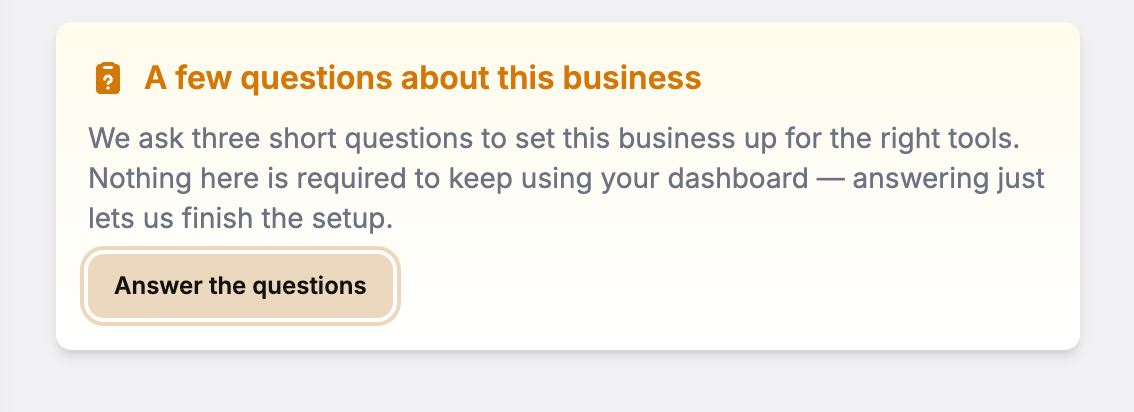
Closing the questions leaves your business available in the Back Office. The setup prompt stays until you submit your answers. Test businesses skip these questions.
Related links
Last updated on